Hubble 이란? (공식문서)
Hubble 소개
Hubble은 Cilium과 eBPF 위에 구축된 완전 분산형 네트워크 및 보안 관측 플랫폼으로, 서비스 간 통신 및 네트워크 인프라의 동작에 대한 심층적인 가시성을 완벽하게 제공한다. Cilium을 기반으로 구축된 Hubble은 가시성을 위해 eBPF를 활용함으로써, 모든 Visibility를 프로그래밍 가능하고 사용자에 요구에 따라 오버헤드를 최소화할 수 있는 동적 접근 방식을 구현할 수 있다.
Hubble은 아래와 같은 상황에서 사용할 수 있다.
서비스 종속성 및 Communication map
- 어떤 서비스가 통신하고 있는지? 얼마나 자주 통신하는지?
- 서비스 종속성 그래프는 어떤 모습인지?
네트워크 모니터링 및 알람
- 네트워크 통신에 장애가 있는지, 그 장애의 원인은 무엇인지?
- DNS 문제인지? 애플리케이션 문제인지? 혹은 네트워크의 문제인지?
- 통신이 끊어진 계층은 Layer 4(TCP)인지? Layer 7(HTTP)인지?
- 지난 5분동안 어떤 서비스에서 DNS 확인문제가 발생했는지?
- 어떤 서비스에서 최근 TCP연결이 중단되거나 연결시간 초과가 발생했는지?
- 응답하지 않은 TCP SYN요청의 비율은 얼마인가?
어플리케이션 모니터링
- 특정 서비스 또는 모든 클러스텡서 5xx 또는 4xx HTTP 응답 코드의 비율은 얼마나 되는지?
- 내 클러스터에서 HTTP요청과 응답 간의 95번째 및 99번째 Percentile latency가 얼마인지?
- 어떤 서비스가 가장 성능이 떨어지는지?
- 두 서비스 간의 지연시간은 얼마인가?
보안 관측가능성(Observability)
- 네트워크 정책으로 인해 어떤 서비스의 연결이 차단됐는지?
- 클러스터 외부에서 어떤 서비스에 접근했는지?
- 어떤 서비스가 특정 DNS 이름을 확인했는지?
Hubble 설치하기
helm upgrade cilium cilium/cilium --namespace kube-system --reuse-values \
--set hubble.enabled=true \
--set hubble.relay.enabled=true \
--set hubble.ui.enabled=true \
--set hubble.ui.service.type=NodePort \
--set hubble.ui.service.nodePort=31234 \
--set hubble.export.static.enabled=true \
--set hubble.export.static.filePath=/var/run/cilium/hubble/events.log \
--set prometheus.enabled=true \
--set operator.prometheus.enabled=true \
--set hubble.metrics.enableOpenMetrics=true \
--set hubble.metrics.enabled="{dns,drop,tcp,flow,port-distribution,icmp,httpV2:exemplars=true;labelsContext=source_ip\,source_namespace\,source_workload\,destination_ip\,destination_namespace\,destination_workload\,traffic_direction}"
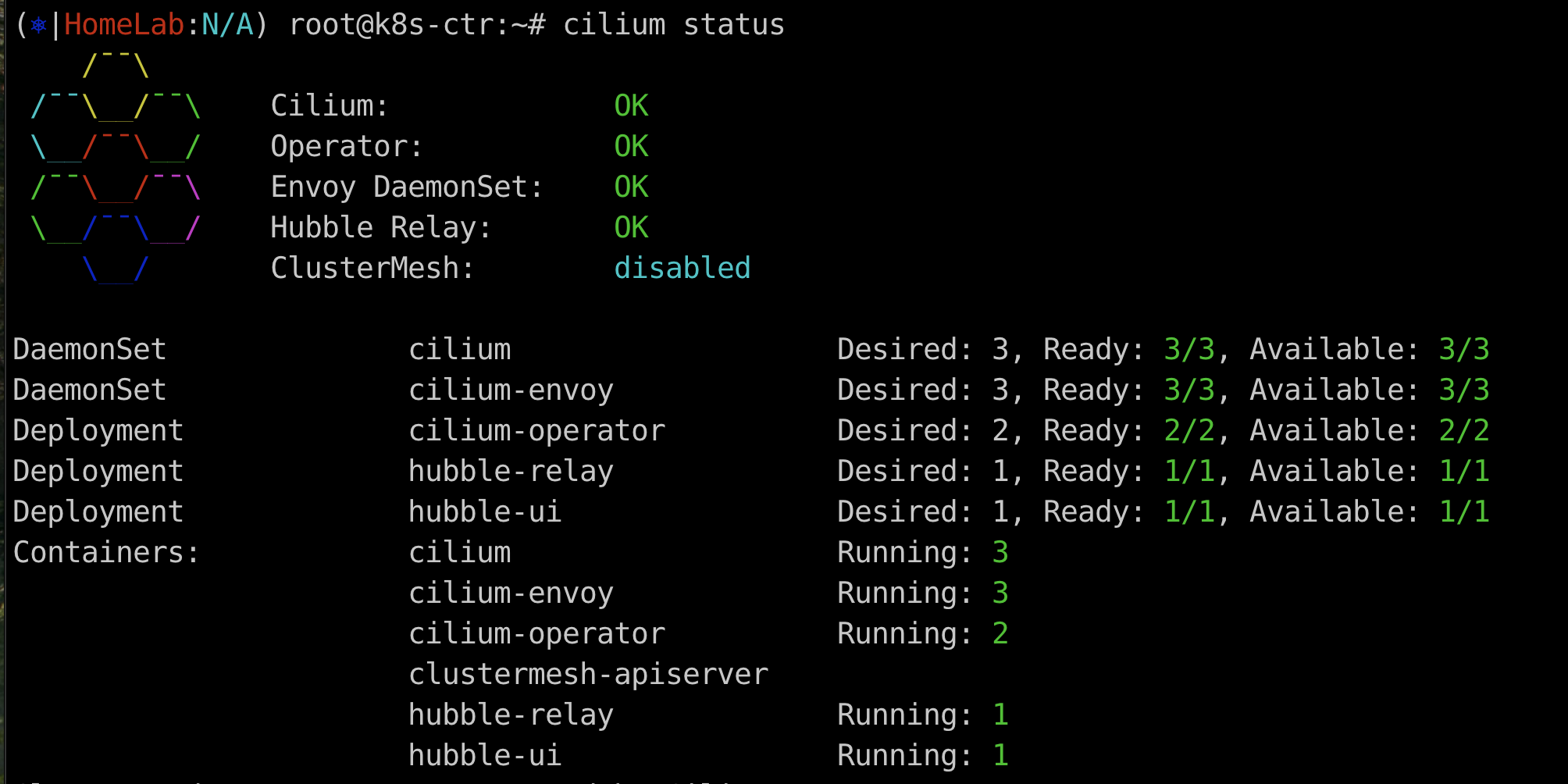
Hubble relay : OK 를 확인하면 설치가 잘 된 것이다.
Hubble UI 데모 with Star Wars App
Cilium 공식문서에서 제공하는 예제이다.
Demo Application 배포
kubectl apply -f https://raw.githubusercontent.com/cilium/cilium/1.17.6/examples/minikube/http-sw-app.yaml

###
service/deathstar created
deployment.apps/deathstar created
pod/tiefighter created
pod/xwing created
Pod Labels 확인
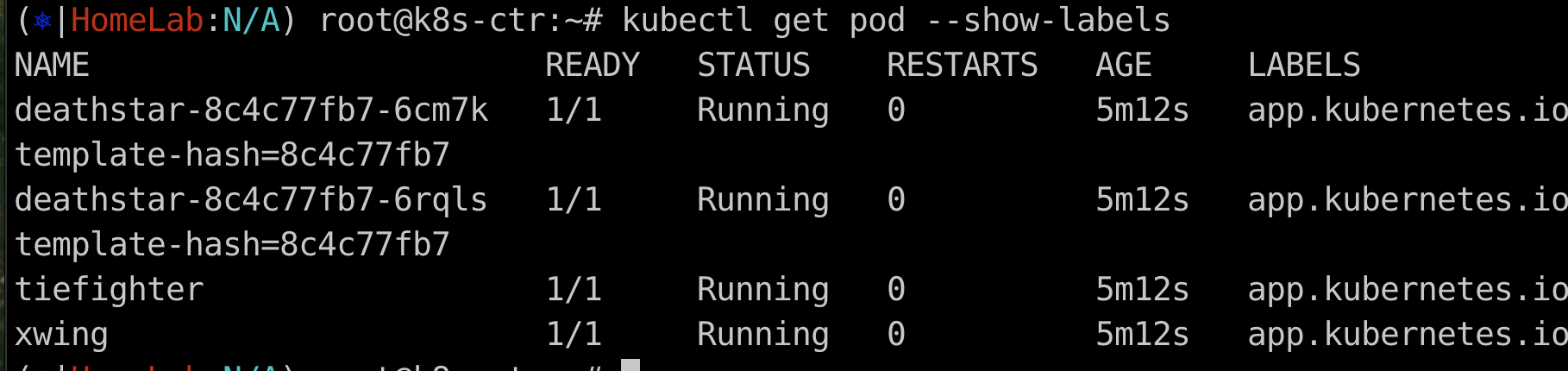
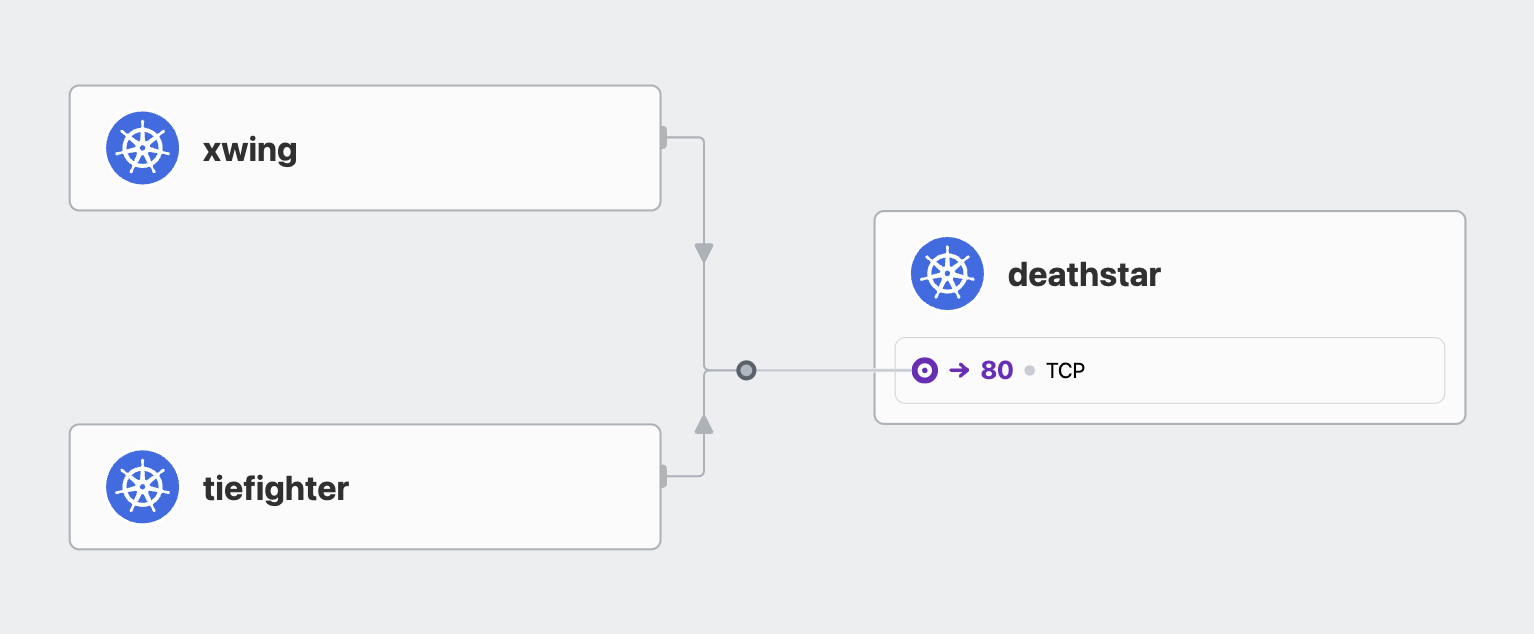
이 예제에서는 L3/L4 policy 및 L7 policy를 적용했을 때, 어떤 일이 발생하는지를 시각적으로 확인할 수 있다.
kubectl exec xwing -- curl -s -XPOST deathstar.default.svc.cluster.local/v1/request-landing

kubectl exec tiefighter -- curl -s -XPOST deathstar.default.svc.cluster.local/v1/request-landing
xwing / tiefighter pod 에서 curl 로 deathstar 서비스에 POST 요청을 보내면 아래와 같이 출력된다.

L3/L4 policy 적용
아래 정책은 연결 가능한 pod의 label을 제한하는 예제이다.
org=empire label이 없는 pod는 deathstar 서비스로 연결이 불가능하다.
이처럼 cilium에서는 Endpoint IP랑 관계없이 pod에 할당된 label을 사용하여 보안 정책을 정의하는 방식을 사용한다.
apiVersion: "cilium.io/v2"
kind: CiliumNetworkPolicy
metadata:
  name: "rule1"
spec:
  description: "L3-L4 policy to restrict deathstar access to empire ships only"
  endpointSelector:
    matchLabels:
      org: empire
      class: deathstar
  ingress:
  - fromEndpoints:
    - matchLabels:
        org: empire
    toPorts:
    - ports:
      - port: "80"
        protocol: TCP
kubectl apply -f https://raw.githubusercontent.com/cilium/cilium/1.17.6/examples/minikube/sw_l3_l4_policy.yaml
kubectl get cnp
kubectl get cnp -o json | jq
아래 command로 xwing pod에서 deathstar 서비스로 curl 요청을 2번 했더니, drop 된 것을 확인할 수 있다.
kubectl exec xwing -- curl -s -XPOST deathstar.default.svc.cluster.local/v1/request-landing --connect-timeout 2
Apply and Test HTTP-aware L7 policy
rules 에 특정 API 호출을 제한하는 규칙을 추가해서 업데이트 한다.
아래 정책은 POST 요청을 제외한 다른 모든 요청을 제한하는 정책이다.
apiVersion: "cilium.io/v2"
kind: CiliumNetworkPolicy
metadata:
  name: "rule1"
spec:
  description: "L7 policy to restrict access to specific HTTP call"
  endpointSelector:
    matchLabels:
      org: empire
      class: deathstar
  ingress:
  - fromEndpoints:
    - matchLabels:
        org: empire
    toPorts:
    - ports:
      - port: "80"
        protocol: TCP
      rules:
        http:
        - method: "POST"
          path: "/v1/request-landing"
kubectl apply -f https://raw.githubusercontent.com/cilium/cilium/1.17.6/examples/minikube/sw_l3_l4_l7_policy.yaml
kubectl get cnp
kc describe cnp
c0 policy get
hubble observe -f --pod deathstar --protocol http

kubectl exec tiefighter -- curl -s -XPOST deathstar.default.svc.cluster.local/v1/request-landing
kubectl exec tiefighter -- curl -s -XPUT deathstar.default.svc.cluster.local/v1/exhaust-port

실제로 확인을 해보니 tiefighter로 부터 오는 POST 요청은 forwarded 되지만 PUT 요청은 dropped 되는 것을 확인했다.
Hubble exporter 설정
Hubble exporter는 Hubble flows 로그를 파일에 저장할 수 있는 cilium-agent 의 기능이다.
file lotation, size limits, filters, field masks 기능을 지원한다.

'DevOps > cilium' 카테고리의 다른 글
| [Cilium study] IPAM 모드 (2) | 2025.07.31 |
|---|---|
| [Cilium study] Loki 스택 기반 중앙 로깅 시스템 구성 (4) | 2025.07.27 |
| Flannel 에서 cilium으로 마이그레이션 (1) | 2025.07.20 |
| Cillium 시스템 요구사항 점검 자동화 (1) | 2025.07.20 |
| Kubeadm Configuration 을 사용하여 node ip 지정 (0) | 2025.07.20 |


